QGIS CSAPI Plugin
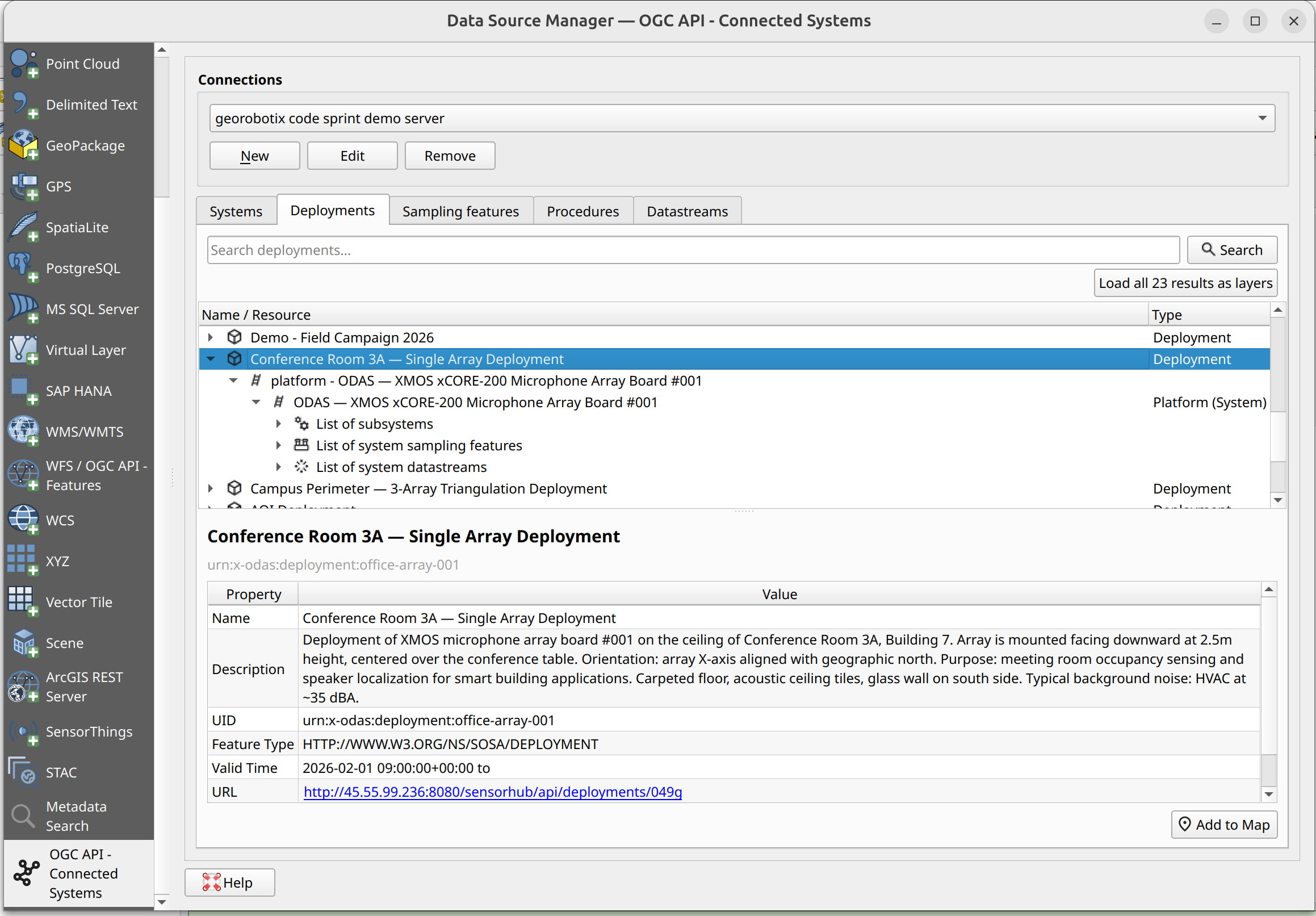
A QGIS plugin for working with OGC API - Connected Systems servers


Documentation: https://byteroad.github.io/qgis-oacs-plugin
Source code: https://github.com/byteroad/qgis-oacs-plugin
Issues: https://github.com/byteroad/qgis-oacs-plugin/issues
This is a QGIS plugin to work with CSAPI servers. It allows you to discover and visualize datasets exposed as OCS resources.
Installation
This plugin will eventually become available for installation via the main QGIS plugin repository, but for now you can install it via our development instructions, as mentioned in the development section.
Once early versions are released, you will also be able to install from our custom plugin repository, as mentioned in the callout below.
Extra - Installing from our custom plugin repo
A custom plugin repo is available at:
https://byteroad.github.io/qgis-oacs-plugin/repo/plugins.xml
- Add this custom repository inside QGIS Plugin Manager
- Allow experimental plugins
- Refresh the list of available plugins
- Search for a plugin named CSAPI
- Install it!
Proceed to the User guide section for next steps.
License
This plugin is distributed under the terms of the GNU General Public License version 3